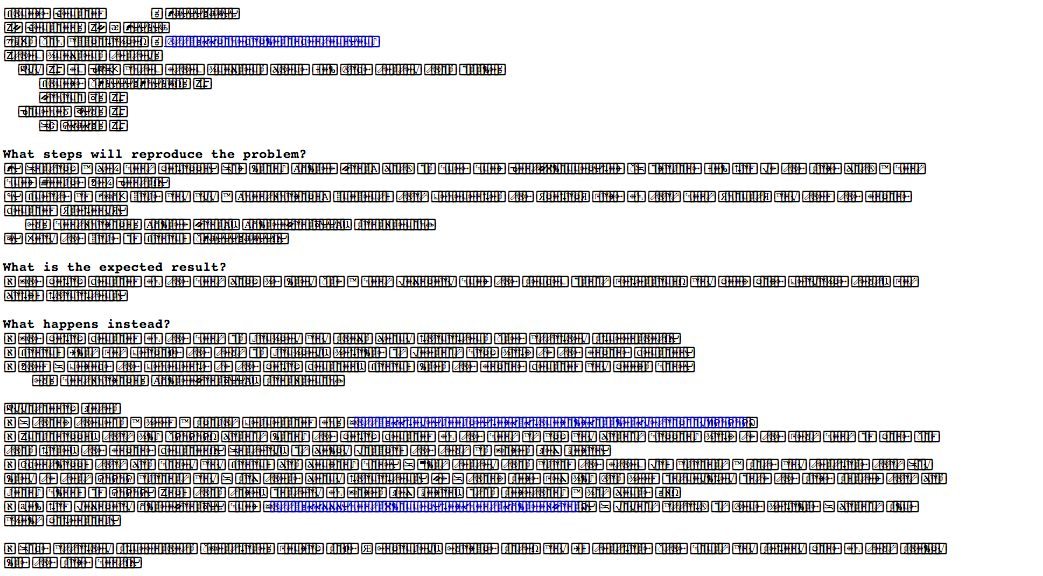
Chrome Glyph Font Problem – A Temporary Solution
Recently, I’ve noticed that Google Chrome has been displaying a weird glyph font with unreadable characters of certain fonts. None of the typical resolutions have helped, including: refreshing the page, closing the browser or even restarting the computer. I am using the latest version of Google Chrome version: 37.0.2062.120. The other browsers – Firefox, Safari, Opera – all display these same webpages just fine.

I did some research and found out that I am not alone with this issue and that Google is currently working on a solution. The problem seems to be related to the fonts Helvetica, Helvetica Neue, and Arial. I’m not sure why Google Chrome is the only browser with this issue but I have noticed there are some fonts on web pages that display just fine interspersed with this strange glyph font.
Because I am a graphic designer and I love typography, I found this problem very intriguing. I discovered that if I changed the CSS font-family of a page that had the weird chrome fonts to another sans-serif font such as Gill Sans, I was able to read the page just fine.
A Temporary Solution
I reasoned that if the problems were with those specific fonts – I could deactivate them or replace them with a different font. Unfortunately, some of these fonts are system fonts and cannot be deactivated because they are used by my mac system. So my other thought, that actually works (but is really just a band-aid to the problem until Google solves the issue) is to edit the user specific css file for Chrome.
To find the custom.css file (on a Mac it is in a hidden folder on the newer OSX) go the Finder then click on the Go menu item at the top. After the go menu is listed, hold down the Option key to display the Library option. Releasing the Option key will hide the Library option. You’ll find the custom.css file under the Application Support/Google/Chrome/Default/User StyleSheets/custom.css.
This file is blank unless you edit it. Open the custom.css and add the following code:
@font-face { font-family: ‘sans-serif’; src: local(‘gill sans’); }

@font-face { font-family: ‘helvetica’; src: local(‘gill sans’); }

@font-face { font-family: ‘helvetica neue’; src: local(‘gill sans’); }

@font-face { font-family: ‘Arial’; src: local(‘gill sans’); }
Then save the file, restart Chrome and viola! A temporary fix to the font issue.


Leave a Reply